🐞
Error tracking
Errors are grouped into issues automatically, with a resolved and ignored workflow and regression detection when a fixed bug returns.
A lightweight Sentry alternative. Errors, performance tracing and session replay in one container plus PostgreSQL. Your data stays on your own infrastructure.

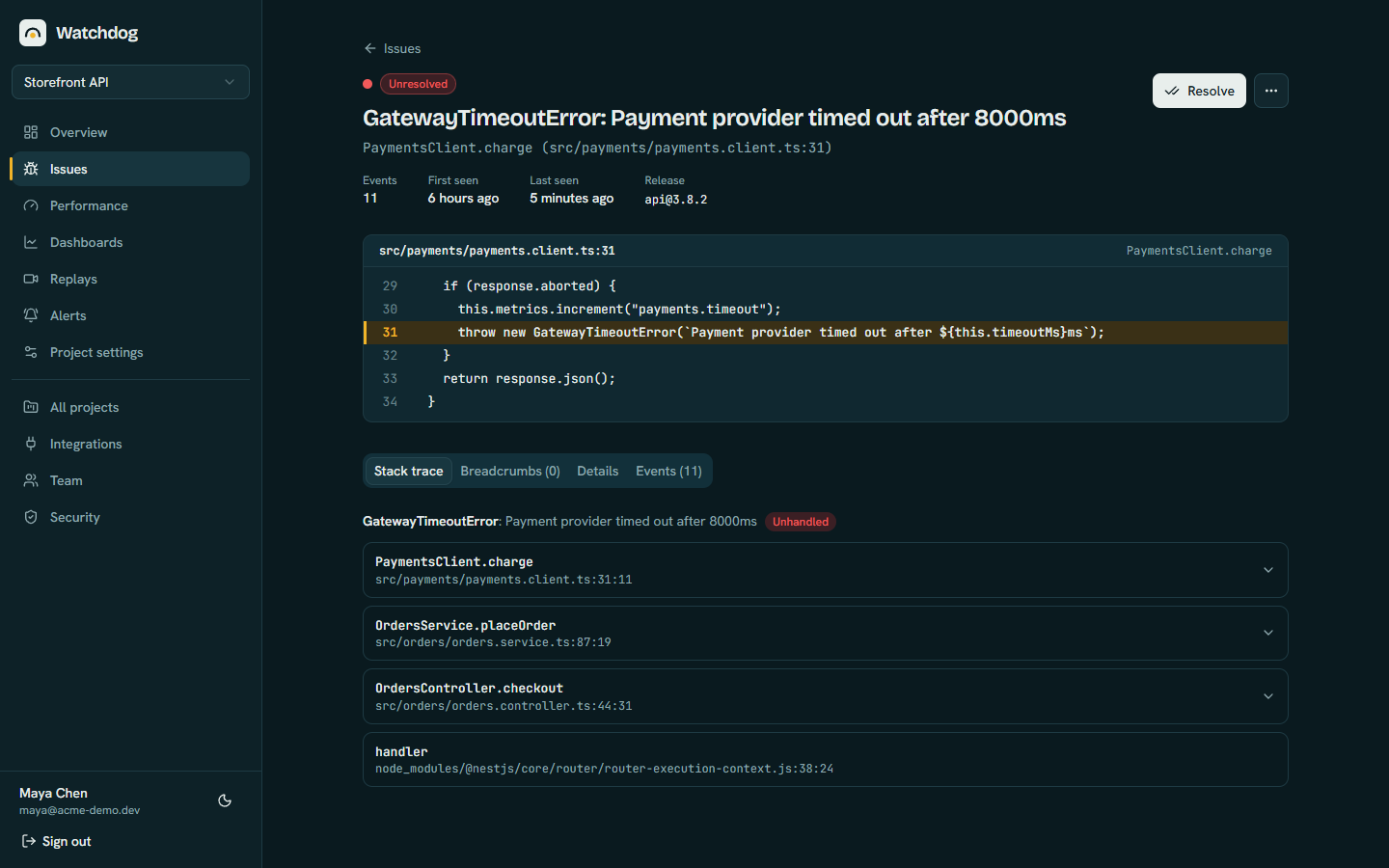
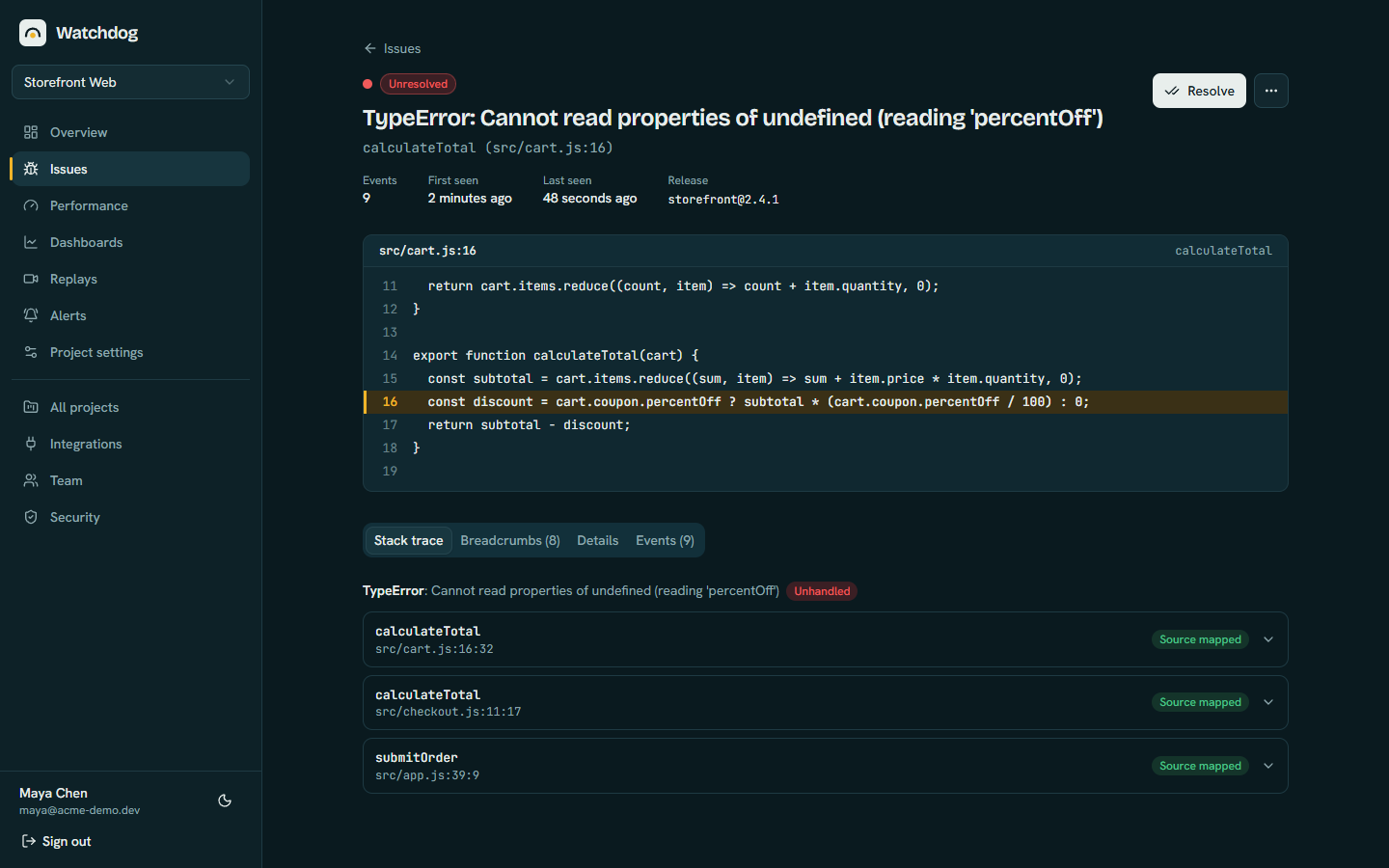 | 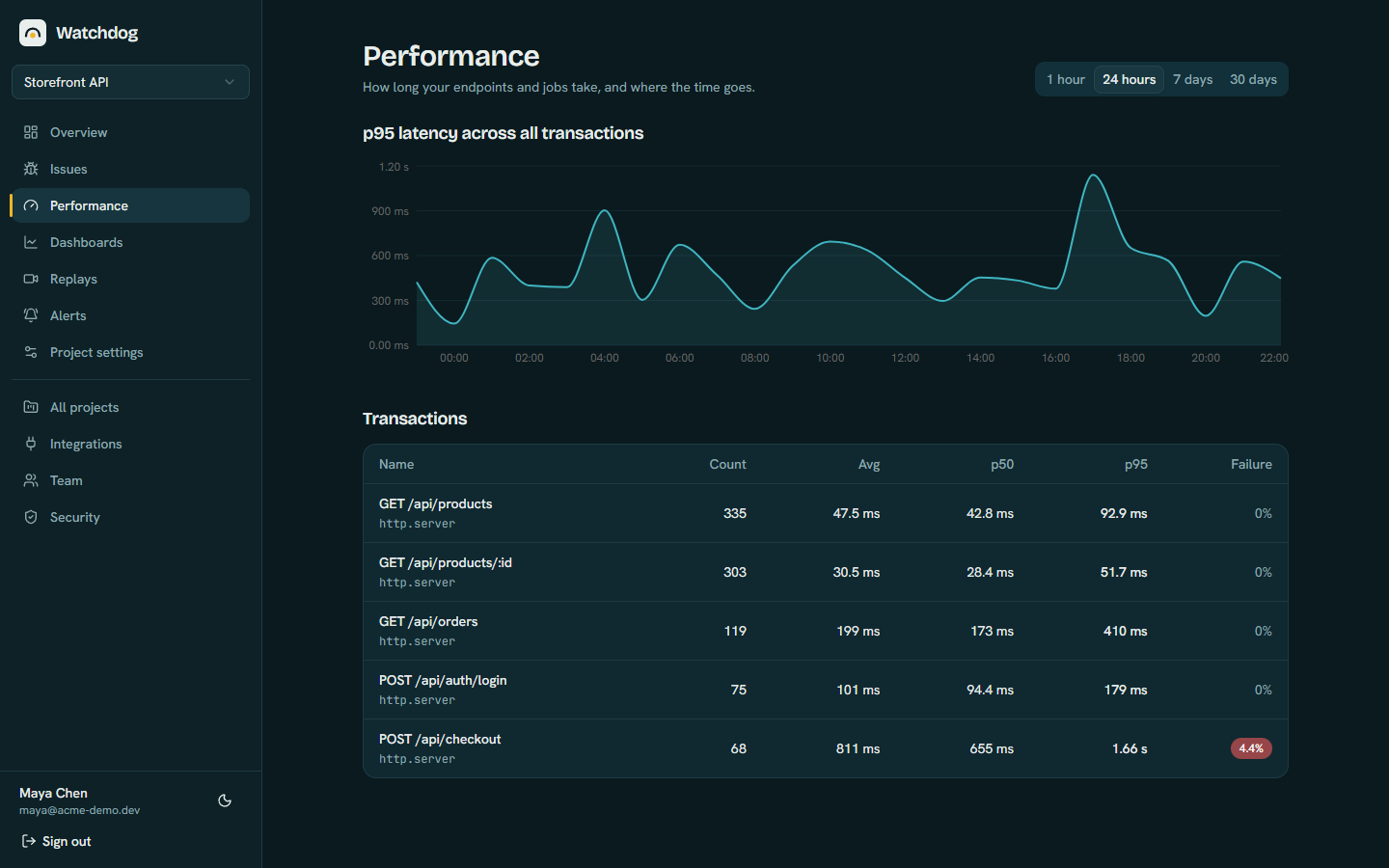 |
| Original code from your source maps | Performance with p50 and p95 |
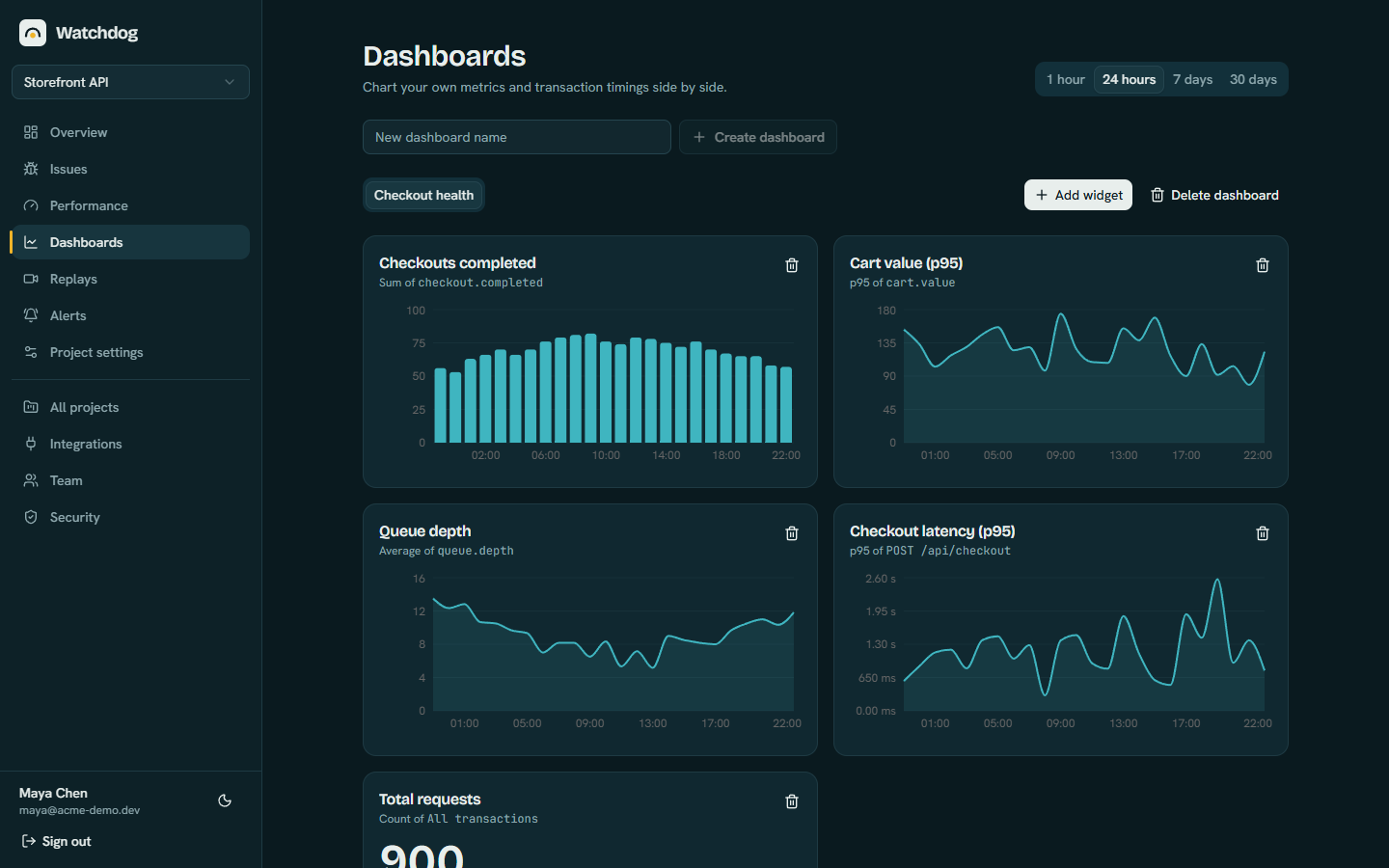 | 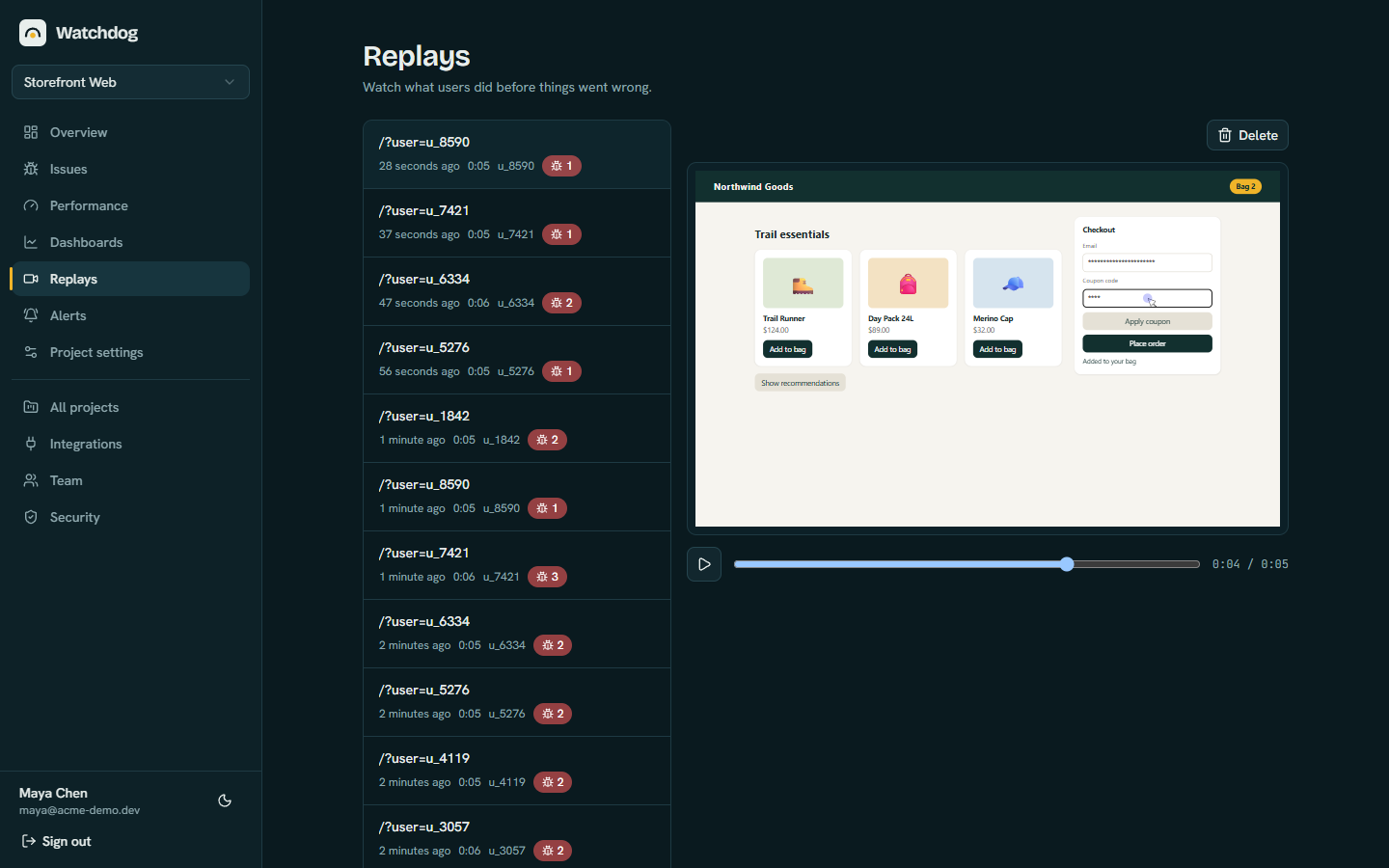 |
| Dashboards for your own metrics | Session replay, inputs masked |
These are screenshots of a demo storefront with sample data.
Most teams want to know when their app breaks and why, without sending customer data to a third party or running a dozen services to do it. Watchdog is a small, open-source error tracker you can read, change and run yourself.
The fastest way is the Railway template. It creates the app and a PostgreSQL database, generates the secrets and gives you a public address.

Prefer your own server? Clone the repository and run it with Docker:
git clone https://github.com/Yassinos-coder/watchdog.git
cd watchdog
cp .env.example .env
docker compose --profile app up -d
See Getting started for the full walkthrough.
Watchdog is self-hosted, so it takes a little setup, and you run it. It is not a sign-up-and-go service. A first setup usually takes 15 to 30 minutes:
Two things are worth doing early: upload source maps so stack traces show your original code, and add email (SMTP) if you want team invites and email sign-in codes. Sign-in with Google or GitHub is optional.
Because it is your server, you are also responsible for keeping it updated and for backing up the database and the WATCHDOG_SECRET_KEY. The configuration guide lists every environment variable. If you would rather not run anything yourself, a hosted service may suit you better.
Create a project in the dashboard, copy its DSN, and add an SDK:
npm install @watchdog-sdk/browserimport { init } from '@watchdog-sdk/browser';
init({
dsn: 'https://<key>@your-watchdog.example.com/<project-id>',
release: '1.0.0',
});Packages for React, Node.js and NestJS, and React Native and Expo work the same way.
Yes. It covers the parts most teams use every day: error tracking and grouping, source maps, performance tracing, session replay and alerts. It uses its own open-source SDKs rather than Sentry's, so you add Watchdog's packages to your apps. The comparison page lists what is and is not covered.
Yes. Watchdog is MIT licensed and has no paid tier. You pay only for the server and database you run it on.
A PostgreSQL database and one container built from the repository's Dockerfile, plus a secret key. On Railway the template sets all of that up for you.
Not hard, but not zero. You deploy two services, create an account, and put one environment variable in each app you want to monitor. Source maps and email are extra steps you may want. What to expect walks through it.
Yes, for JavaScript errors in React Native and Expo apps. Crashes inside native code are not captured, because the SDK runs in JavaScript.
Only to the Watchdog server you run. Nothing is sent to us. The dashboard can check npm for a newer version, which you can turn off with UPDATE_CHECK=false.